

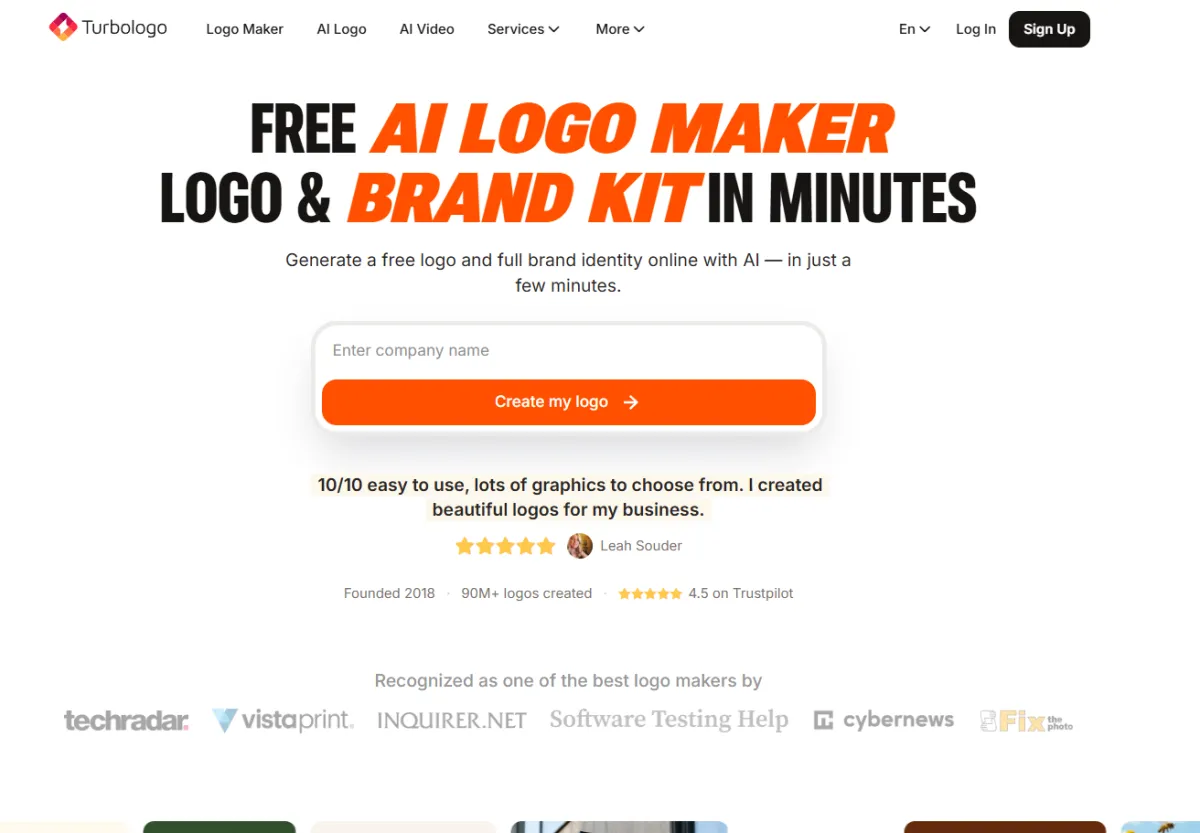
Review
In the subscription-dominated market of 2026, Turbologo stands out with its one-time purchase model, starting at just $49. If you only need one logo and prefer a single payment over recurring monthly fees, it remains one of the few viable options (alongside the $20 one-time purchase plan from Looka).
But is Turbologo’s $49 price tag worth it? After all, Looka costs only $20, and Design.com is just $3 per month. After comprehensive testing, we found Turbologo to be a solid mid-range choice—better than free tools, but not quite reaching the level of market leaders in terms of feature depth or design quality.
Turbologo at a Glance
| Feature | Details |
|---|---|
| Tool Type | Step-by-step AI logo generator |
| Best For | Users seeking a mid-range one-time purchase |
| AI Approach | Questionnaire + AI concept generation |
| Template Library | ~8,000+ templates |
| Starting Price | $49 one-time purchase (Basic) |
| One-time Purchase | ✅ True one-time payment |
| Free Version | ❌ Preview only (no free download) |
| Export Formats | SVG, EPS, PDF, PNG |
| Source Files | ✅ Included (editable) |
| Commercial Rights | ✅ Included |
| Brand Kit | $79 Full package |
| Platform | Web-based |
How to Use Turbologo
Design Process
Turbologo uses a step-by-step guided process similar to Looka:
- Enter business name and industry — Provide basic info to the AI
- Select style preferences — Choose from visual style examples (minimalist, vintage, vibrant, etc.)
- Browse generated concepts — The AI presents 10-20 logo variations based on your input
- Customize your favorite — Adjust colors, fonts, icons, and layout
- Preview before buying — Confirm the final look before payment
- Purchase and download — Unlock all files with a one-time payment
The design process is smooth and intuitive. The AI-generated concepts are well-structured and balanced—a hallmark of a good logo design tool.
Customization Options
Turbologo’s editor offers the following:
- Color editing — Individual element colors, preset palettes, and custom hex codes
- Font selection — A decent font library with curated pairing recommendations
- Icon replacement — Swap built-in icons within your design
- Layout adjustments — Resize, align, and reposition elements
- Background options — Add shapes, borders, or transparent backgrounds
The customization is functional but not extensive. You won't get the deep control offered by professional tools like Design.com, Kittl, or Recraft V4.
Pricing Breakdown
| Plan | Price | Includes | Best For |
|---|---|---|---|
| Basic | $49 one-time | Logo files (SVG, EPS, PDF, PNG), source files | Simple logo needs |
| Full | $79 one-time | Logo + Business cards + Social media kit + Letterhead | Complete brand identity |
3-Year Cost Comparison
| Tool | 3-Year Cost | Model |
|---|---|---|
| Turbologo Basic | $49 | One-time purchase |
| Looka Basic | $20 ✅ | One-time purchase |
| Design.com Pro | $108 | $3/mo subscription |
| BrandCrowd Basic | $108 | $3/mo subscription |
| Canva Pro | $648 | $18/mo subscription |
Turbologo’s $49 one-time model is cheaper in the long run than any subscription tool, but Looka’s $20 one-time purchase offers similar quality at a lower price.
Turbologo vs. Competitors
Turbologo vs. Looka
| Comparison | Turbologo | Looka |
|---|---|---|
| Starting Price | $49 one-time | $20 one-time ✅ |
| Free Preview | ✅ Full preview before purchase | ✅ Full preview before purchase |
| Source Files | ✅ Included | ✅ Included |
| Brand Kit | $79 Full version | $65 Brand Kit ✅ |
| Template Library | ~8,000 | ~10,000 ✅ |
| Design Quality | ✅ | |
| Overall Value | Good | Excellent ✅ |
Verdict: Looka is cheaper ($20 vs. $49), has a larger template library, and produces more aesthetically pleasing logos. In a direct comparison, it is hard to recommend Turbologo over Looka.
Turbologo vs. Design.com
| Comparison | Turbologo | Design.com |
|---|---|---|
| Pricing Model | $49 one-time ✅ | $3/mo subscription |
| Free Vector Download | ❌ | ✅ Supported |
| Template Library | ~8,000 | 500k+ ✅ |
| AI Editing | ❌ | ✅ Conversational AI |
| 3-Year Cost | $49 ✅ | $108 |
| Brand Kit | Basic plan | ✅ Full brand kit |
Verdict: Design.com offers more powerful features for a lower monthly fee, but Turbologo wins on total cost of ownership over three years. If you don't plan to change your logo for years, Turbologo is more economical.
Turbologo vs. Hatchful (Free)
| Comparison | Turbologo | Hatchful |
|---|---|---|
| Price | $49 one-time | $0 ✅ |
| Vector Export | ✅ SVG, EPS, PDF | ❌ PNG only |
| Design Quality | ✅ | |
| Template Library | ~8,000 | ~5,000 |
Verdict: Hatchful is free but only supports PNG. If you need vector files, Turbologo’s $49 is worth it. Otherwise, Hatchful is sufficient for basic needs.
Real User Feedback
Pros:
- "Pay once and you're done. No subscription fatigue." — G2 Review
- "The source files are actually editable—I could modify the SVG in Illustrator." — Verified User
- "Good quality for the price. Not as good as a pro designer, but 90% of the result for 10% of the cost." — Trustpilot
Cons:
- "Found out after buying that Looka is cheaper and has better templates." — Reddit r/Entrepreneur
- "The icon library feels limited compared to bigger platforms." — G2 Review
- "I wish there were more modern, trendy templates." — Verified User
Pros and Cons
Pros ✅
| Pro | Why it matters |
|---|---|
| True one-time purchase ($49) | Pay once, own forever—no hidden fees |
| Editable source files included | Clean SVG files, editable in any vector software |
| Multiple export formats | SVG, EPS, PDF, PNG—covers web and print needs |
| Guided design process | Great for beginners who don't know where to start |
| Commercial rights | Use your logo anywhere, including on products |
| Preview before buying | See the full logo effect before paying |
Cons ❌
| Con | Explanation |
|---|---|
| More expensive than Looka ($20) | Looka offers similar quality for 60% less |
| Smaller template library | ~8,000 vs. Design.com's 500k+ |
| No free download | Preview only—must pay to download anything |
| No AI editing features | Traditional editor only |
| Generic output style | Logos look professional but lack distinctiveness |
| No ongoing updates | One-time purchase means no new features in the future |
Who Should Use Turbologo?
✅ Recommended for
- Users wanting a mid-range one-time purchase — $49 is reasonable for a professional logo
- People needing editable vector source files — Turbologo’s SVG files are clean and editable
- Businesses with stable branding — If you won't change your logo for 3+ years, one-time is cheaper than subscription
- Users who tried Looka and want an alternative — Similar concept, but different design style
❌ Not recommended for
- Budget-conscious users — Looka ($20) offers better value for money
- Users seeking maximum features — Design.com ($3/mo) offers AI editing and 500k templates
- Users wanting to try free options first — Try Hatchful (free) or Design.com (free version) before paying
- Design-focused brands — Output quality lags behind Design.com and BrandCrowd
Final Verdict
Turbologo is a solid mid-range logo maker serving a specific niche: users who want a one-time purchase and either find Looka’s $20 plan too basic or prefer Turbologo’s design style. The $49 Basic plan is good value—including vector files, editable source files, and commercial rights.
However, in a direct comparison, Looka’s $20 one-time purchase offers better value and superior output quality. Meanwhile, Design.com at $3/mo is far ahead in features. Turbologo sits in an awkward middle ground—better than free tools and cheaper than subscriptions, but unable to beat the competition in their respective strengths.
Choose Turbologo if: You specifically want a $49 one-time purchase and prefer Turbologo’s design style over Looka.
Choose Looka if: You want the best value one-time purchase ($20).
Choose Design.com if: You want the most comprehensive features and don't mind a small monthly fee.
Design Quality Assessment by Industry
To give you a better idea of Turbologo’s performance, here is the output quality by industry:
| Industry | Rating | Performance |
|---|---|---|
| Tech / SaaS | Clean icons, modern fonts—nice but lacks personality | |
| Food & Beverage | Warm icon choices, well-matched color palettes | |
| Retail & E-commerce | Functional but lacks distinctiveness | |
| Health & Wellness | Limited icon options in this niche | |
| Creative / Design | Feels restricted—not for design-conscious brands | |
| Professional Services | Conservative, appropriate, and balanced |
The trend is clear: Turbologo is best suited for traditional business categories (professional services, food), while it struggles with creative or design-focused brands that require unique, cutting-edge visuals.
Turbologo’s Position in the 2026 Market
The 2026 AI logo generator market is clearly divided into three tiers:
1. Template Giants — Design.com and BrandCrowd ($3/mo). Massive template libraries, AI features, monthly subscription.
2. One-time Purchase Experts — Looka ($20) and Turbologo ($49). Pay once, own forever. Fewer features, but no ongoing costs.
3. Zero-cost Entry — Hatchful (free) and Design.com free version. Free options for budget-constrained users.
Turbologo belongs to the second tier alongside Looka, but costs more than twice as much ($49 vs. $20) with comparable quality and a smaller template library. The only reason to choose Turbologo over Looka is if you specifically prefer Turbologo’s icon style, font library, or source file format. It has no advantage in features.
Recommendation for most users: Start with Design.com’s free version (includes vector export). If you decide you want a one-time purchase, choose Looka for $20. Only consider the $49 Turbologo if you have tried Looka and found its style or templates lacking.