
Review
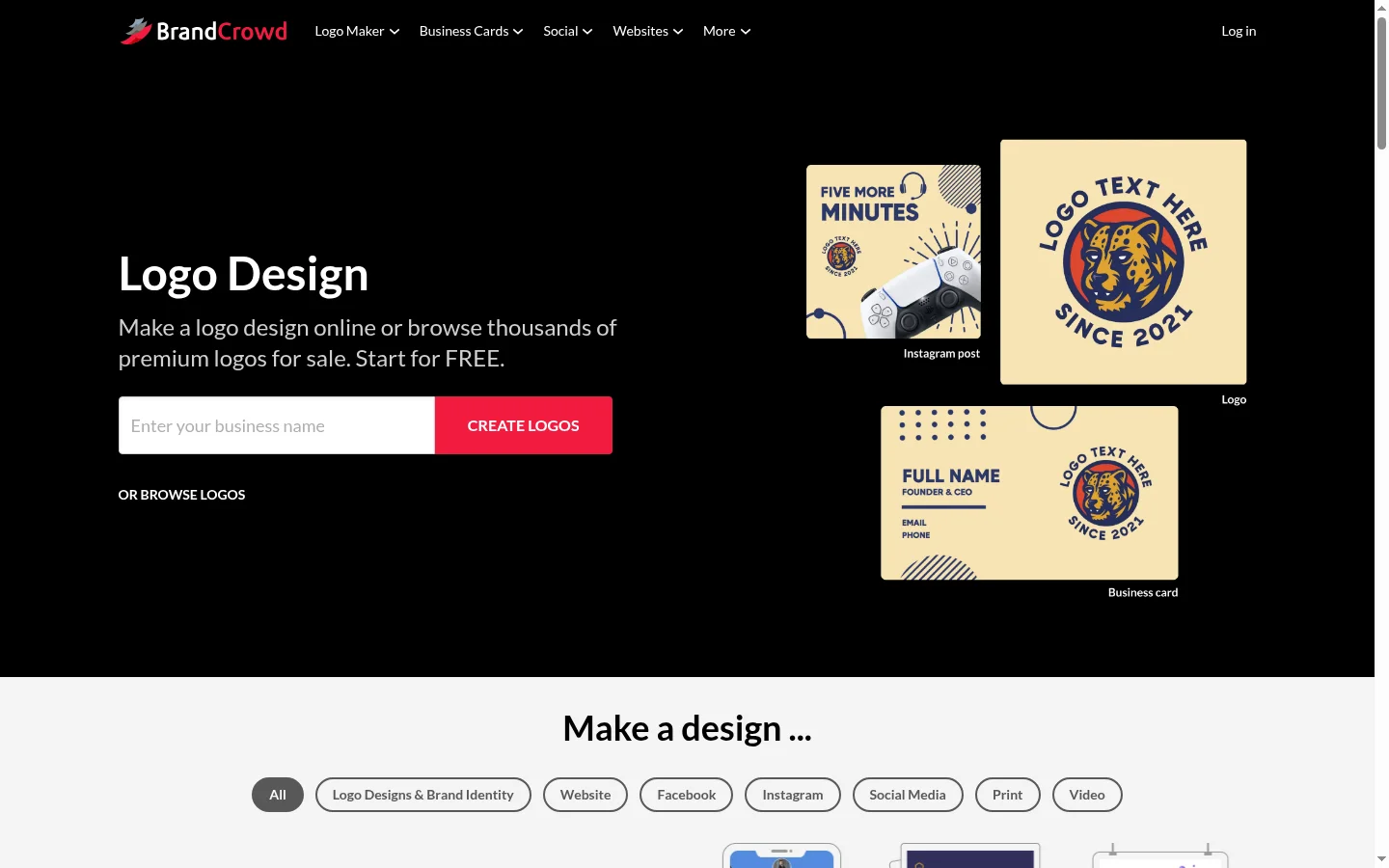
For years, BrandCrowd has been a go-to platform for professional logo design, and in 2026, it remains a top-tier choice—especially for users who value meticulously crafted designer templates over pure AI generation. With over 380,000 professionally designed templates, the industry's best mockup previews, and a generous free tier, it is a serious contender for the top spot.
However, as Design.com pushes the category standard to new heights with its conversational AI, BrandCrowd faces more competition than ever. Let’s dive into everything you need to know.
BrandCrowd at a Glance
| Feature | Details |
|---|---|
| Rating | ⭐ |
| Best For | Users who want professional designer templates |
| Template Library | 380,000+ (all hand-crafted by designers, not AI-generated) |
| AI Capabilities | AI search, color matching, font pairing (non-generative) |
| Free Tier | ✅ Free vector downloads (SVG/EPS/PDF), with limits |
| Starting Price | $3/month (Premium) |
| Export Formats | SVG, EPS, PDF, PNG |
| Mockup Previews | ✅ Industry best—business cards, apparel, signage, digital devices |
| Brand Kit | ✅ Included in Premium |
| Commercial License | ✅ Included |
| Platform | Web-based |
Deep Dive into Features
1. Template Library—380,000+ Hand-Crafted Templates
BrandCrowd's standout feature is its library. Every template is hand-crafted by professional graphic designers—not generated by AI. This ensures that all designs maintain consistent quality, excellent composition, and are on-trend.
Industry Coverage:
- Tech & SaaS—Excellent modern style options
- Food & Beverage—Warm, appetizing designs
- Retail & E-commerce—Conversion-optimized aesthetics
- Health & Wellness—Clean, trustworthy styles
- Real Estate & Construction—Professional, solid designs
- Creative & Media—Bold, expressive options
- Education & Non-profit—Friendly, approachable styles
- Sports & Fitness—Dynamic, energetic designs
- Fashion & Beauty—Elegant, sophisticated logos
- Legal & Finance—Conservative, authoritative branding
Quality Assessment: The quality floor is consistently high. You won't find the "weird" or "distorted" designs that occasionally appear in AI-generated libraries. The trade-off is that the library size (380,000) is smaller than Design.com (500,000+).
2. AI-Powered Search and Customization
BrandCrowd uses AI to enhance the template filtering process rather than generating designs from scratch:
| AI Feature | Description | Effectiveness |
|---|---|---|
| Smart Search | Search by industry, style, color, or vibe | ⭐⭐⭐⭐⭐ — Excellent |
| AI Color Matching | Recommends harmonious color schemes | ⭐⭐⭐⭐ — Good |
| Smart Font Pairing | Recommends font combinations | ⭐⭐⭐⭐ — Good |
| Style Recommendations | Suggests templates based on preferences | ⭐⭐⭐⭐ — Good |
These AI features are highly practical for narrowing down 380,000 templates into a manageable shortlist. The Smart Search, in particular, is the best template discovery experience among all the logo tools we've tested.
3. Logo Editing Experience
The editor is intuitive and well-organized:
- Color Editing—Modify individual element colors, apply preset schemes, or use custom hex codes
- Font Control—Browse hundreds of fonts with real-time previews
- Layout Adjustment—Drag and drop elements, freely adjust size and position
- Icon Replacement—Swap icons without disrupting the layout
- Layer Management—Adjust the front-to-back order of elements
The editing experience is smoother than Design.com, though it is not as flexible for advanced adjustments as Canva or Kittl.
4. Mockup Previews—Industry Best
BrandCrowd's mockup system is unmatched among AI logo generators. You can preview your logo in the following scenarios:
| Mockup Type | Quality | Best Use |
|---|---|---|
| Business Cards | ⭐⭐⭐⭐⭐ | Client presentations, printing |
| T-shirts & Apparel | ⭐⭐⭐⭐⭐ | Merchandise planning |
| Signage & Storefronts | ⭐⭐⭐⭐ | Physical branding |
| Stationery & Letterheads | ⭐⭐⭐⭐⭐ | Professional image |
| Digital Devices | ⭐⭐⭐⭐ | Website previews |
| Packaging | ⭐⭐⭐⭐ | Product launch planning |
These mockups are photorealistic and customizable—you can change background colors, product colors, and some even allow for camera angle adjustments.
Step-by-Step Guide: Creating a Logo in BrandCrowd
- Search Templates—Use smart search, combining industry and style filters
- Preview Brand Name—Enter your business name into templates that catch your eye
- Select Starting Point—Pick the template closest to your vision
- Customize Colors—Match your brand color scheme
- Select Fonts—Choose from recommended pairings
- Adjust Layout—Arrange elements to your preference
- Preview Mockups—See how your logo looks in real-world scenarios
- Download—Export in your preferred format (Free or Premium)
Pricing Details
| Plan | Price | Includes |
|---|---|---|
| Free | $0 | Create logos, download vector files, limited downloads |
| Premium | $3/mo | Unlimited downloads, all mockup previews, brand kit, commercial license |
| Enterprise | Custom | API access, team accounts, priority support |
Free Tier Assessment
BrandCrowd's free tier is excellent—on par with Design.com:
- Free vector downloads (SVG, EPS, PDF)
- No watermarks
- No credit card required
- Limited quantity—After a certain number of free downloads, you must upgrade to Premium
Premium Value
At just $3/month, Premium benefits include:
- Unlimited downloads
- All mockup previews
- Full brand kit (social media assets, business cards, letterheads)
- Commercial license
- Priority support
This is the same price as Design.com Pro. The choice between them depends on:
- BrandCrowd—If you prioritize designer-crafted templates and mockup previews
- Design.com—If you prioritize conversational AI and a larger template library
BrandCrowd vs. Design.com
| Comparison | BrandCrowd | Design.com |
|---|---|---|
| Our Rating | ⭐ | ⭐ |
| Template Quality | More Refined ✅ | More Diverse |
| Template Count | 380,000+ | 500,000+ ✅ |
| AI Features | AI Search & Pairing | Conversational AI Editing ✅ |
| Free Vector Download | ✅ (Limited) | ✅ (Generous) |
| Starting Price | $3/mo | $3/mo |
| Mockup Previews | ⭐⭐⭐⭐⭐ Industry Best ✅ | ⭐⭐⭐⭐ Very Good |
| Dynamic Export | ❌ | ✅ MP4 Export |
| Best For | Designer-quality templates | AI-driven flexibility |
Our Take: Both perform excellently at the $3/month price point. Design.com edges ahead with its conversational AI editing and larger library. BrandCrowd wins on template quality and mockup previews.
Industry Test Results
We created logos for 10 industries on BrandCrowd and rated the results:
| Industry | Rating | Highlights |
|---|---|---|
| Tech / SaaS | Modern minimalist templates with tech-focused icons | |
| Food & Beverage | Warm, inviting designs with a wide variety of icons | |
| Medical / Wellness | Clean, trustworthy styles with appropriate color palettes | |
| Real Estate | Solid, professional designs with rich building/house icons | |
| Legal / Finance | Conservative but not boring—professional and refined | |
| Retail / E-commerce | Conversion-optimized aesthetics with shopping-related icons | |
| Creative / Media | Bold options, though slightly fewer ultra-creative templates than expected | |
| Fashion / Beauty | Elegant, sophisticated logos—very strong in this category | |
| Education / Non-profit | Friendly, approachable styles with extensive icon options | |
| Sports / Fitness | Dynamic, energetic designs—excellent icon library |
All industries scored highly, proving that BrandCrowd's hand-crafted strategy works. Unlike AI-generated libraries that can be hit-or-miss, BrandCrowd maintains a high quality floor across all sectors.
Real User Feedback
Positive Highlights (from G2, Trustpilot, Reddit):
- "These templates are designed by professionals—they look better than anything I could do myself"—G2 User Review
- "The mockup previews are fantastic for client presentations and social media"—Verified Designer
- "Best free tier of any logo tool—I got a professional SVG logo without spending a penny"—Reddit r/startups
- "Search and filter functions are outstanding—found the perfect template in under two minutes"—Trustpilot
Common Criticisms:
- "No AI editing—I wish I could just type in my requirements like on Design.com"—Multiple users
- "The free download limit is frustrating when iterating on designs"—G2 User Review
- "The editor is good, but I wish it had more advanced features like Kittl"—Professional Designer
- "No dynamic export, which is a shame for video content"—Content Creator
Pros and Cons
Pros ✅
| Advantage | Why it matters |
|---|---|
| Hand-crafted Templates | More refined and professional starting point than AI alternatives |
| 380,000+ Options | Rich selection covering all industries and styles |
| Free Vector Downloads | Download SVG, EPS, PDF for free—no watermarks |
| Excellent Mockups | Industry-best real-world scenario previews |
| Affordable Premium ($3/mo) | Unlimited downloads and brand kit, incredible value |
| Great Search & Filter | Find the right template faster than any competitor |
| Commercial License Included | Use your logo anywhere, including on merchandise |
Cons ❌
| Disadvantage | Context |
|---|---|
| No Conversational AI | Requires manual adjustment—cannot "generate by typing" |
| Template-based only | Cannot generate from scratch using AI |
| Free Download Limits | Not as unlimited as some competitors |
| Smaller Library than Design.com | 380k vs 500k+ |
| No Dynamic Export | Cannot create MP4 logos for video content |
Who Should Use BrandCrowd?
✅ Recommended For
- Entrepreneurs seeking refined visuals—Designer templates consistently produce professional results
- Users who prefer templates over AI—If you like starting from proven, curated designs
- Users who value mockup previews—Industry-best contextual logo previews
- Budget-conscious small businesses—Accessible at $3/month, with a generous free tier
- Users needing free vector downloads—SVG, EPS, PDF are completely free
❌ Not Recommended For
- Users wanting AI generation from scratch—Choose Design.com or Recraft V4
- Users needing conversational AI editing—This is a Design.com exclusive feature
- Users needing unlimited free downloads—BrandCrowd has a cap on free downloads
- Users needing dynamic logos—No MP4/SVG animation support
- API-dependent users—No public API (Recraft V4 or Design.com are better fits)
Final Verdict
BrandCrowd remains one of the best logo generators in 2026. It excels where it matters most: high-quality, professionally designed templates that result in a brand logo you can be proud of.
The free tier is excellent (vector downloads, no watermarks), the Premium plan is an incredible value at $3/month, and the mockup previews are the best in the industry. It earns a 9.3/10 rather than a 9.5/10 primarily due to the lack of conversational AI editing—a feature currently offered by Design.com that has raised the bar for the entire category.
Choose BrandCrowd if: You value refined, designer-quality templates over AI-generated flexibility. Its mockup previews, search, and template quality are unmatched.
Choose Design.com if: You want conversational AI editing and a larger template library, alongside other excellent features.