

Review
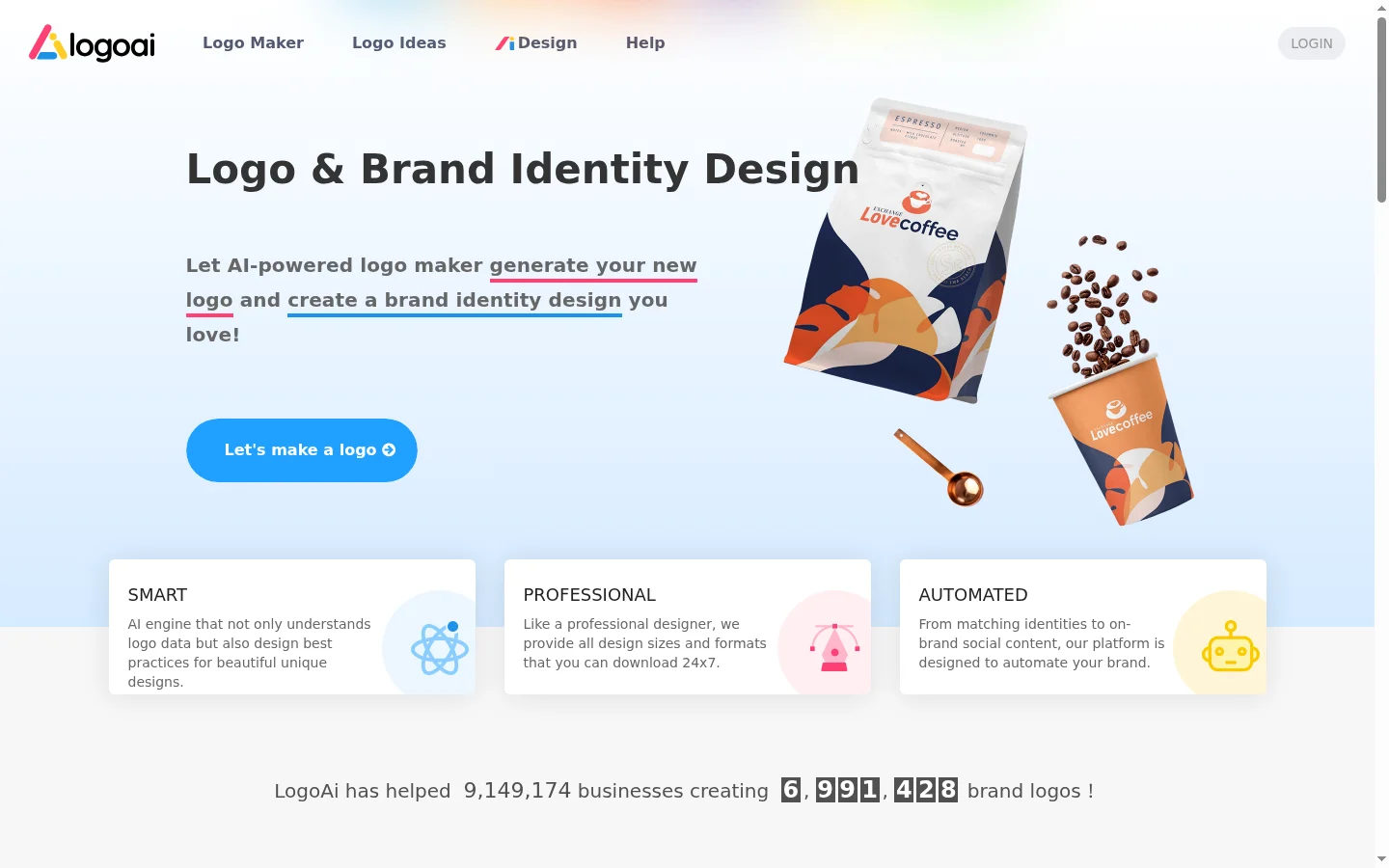
LogoAI is positioned as an affordable, AI-powered logo generator for small businesses. Its NLP-based approach—using natural language to describe your brand and letting AI generate concepts—is certainly a unique feature. However, in almost every measurable category, it underperforms compared to its competitors: design quality, template library size, AI feature depth, and overall value.
A $4/month subscription sounds inexpensive—but Design.com is only $3/month and offers significantly more powerful features. Let's dive into the details.
LogoAI Overview
| Feature | Details |
|---|---|
| Tool Type | AI Logo Generator (NLP-driven) |
| Best For | Quick, low-cost logos, NLP enthusiasts |
| AI Method | NLP-based generation (describe your brand in text) |
| Template Library | ~8,000+ (moderate size, feels somewhat dated) |
| AI Generation | ✅ Text description → Logo concepts |
| Starting Price | $4/mo (Basic) |
| Free Version | ❌ (Design only, payment required to download) |
| Export Formats | PNG, JPG, SVG, PDF, EPS |
| AI Editing | ❌ No natural language editing |
| Brand Kit | Business cards, social media, letterhead (Pro only) |
| Platform | Web-based |
How LogoAI Works—The NLP Approach
LogoAI's differentiator is its NLP (Natural Language Processing) approach. Instead of filling out a questionnaire (like Looka) or browsing templates (like Design.com), you simply describe your business, and the AI generates concepts:
Workflow:
- Enter brand name and slogan
- Describe your business—e.g., "Organic coffee roastery specializing in single-origin Ethiopian beans"
- Select your industry from the dropdown menu
- Choose style preferences (minimalist, vintage, playful, etc.)
- AI generates 4-8 logo concepts
- Customize your favorite and download
How effective is the NLP generation?
We tested the NLP feature with 10 different business descriptions:
| Description | AI Output Quality | Notes |
|---|---|---|
| "Organic Coffee Roastery" | Icons are relevant but lack character | |
| "SaaS Data Analytics Platform" | Tech icons, failed to capture analytics nuance | |
| "Vintage Furniture Restoration" | Furniture icons failed to convey "restoration" | |
| "Modern Yoga Studio" | Style match was good, icons were decent | |
| "Pet Grooming Service" | Generic paw-print icons |
Overall NLP Effectiveness: The AI understands basic concepts, but the generated icons are often too generic—for example, a "coffee roastery" only yields a coffee cup icon rather than a creative or unique design. The NLP feels more like keyword matching than true semantic understanding.
Comparison: Design.com's "AI from Scratch" Feature
Design.com offers a similar feature (describe your brand, AI generates concepts), but the differences are stark:
| Comparison | LogoAI NLP | Design.com AI |
|---|---|---|
| Concept Uniqueness | Generic icons | More creative and diverse |
| Concept Quantity | 4-8 | 8-12 |
| Post-Generation Customization | Limited | Comprehensive (Conversational AI editing) |
| Overall Quality |
Design.com's implementation is more mature—the AI generates more diverse and creative concepts, and the conversational editing feature allows you to refine the AI output naturally.
Logo Quality Assessment
Beyond the NLP feature, we evaluated LogoAI's overall output quality across five brand tests:
| Business Type | Quality Rating | Notes |
|---|---|---|
| Tech Company | Generic tech icons, barely usable | |
| Bakery | Decent, but design is mediocre | |
| Fitness Brand | Icons feel dated, like clip-art | |
| Real Estate | Usable but uninspired | |
| Photography | Limited icon selection, poor style matching |
Overall Quality: LogoAI-generated logos are functional but lack the polish, variety, and modern feel of top-tier tools. The icon library, in particular, feels dated and is far inferior to BrandCrowd's designer-made templates or the AI-generated diversity of Design.com.
Feature Comparison
| Feature | LogoAI | Design.com | Looka |
|---|---|---|---|
| AI Generation | ✅ NLP-based | ✅ Conversational + From Scratch | ✅ Questionnaire-based |
| AI Editing | ❌ | ✅ Conversational AI | ❌ |
| Template Library | ~8,000 | 500,000+ ✅ | 10,000+ |
| Free Version | ❌ | ✅ Vector file download | ❌ |
| Starting Price | $4/mo | $3/mo ✅ | $20 one-time |
| Vector Export | ✅ SVG, EPS, PDF | ✅ SVG, EPS, PDF | ✅ SVG, EPS, PDF |
| Brand Kit | ✅ (Pro) | ✅ (Business) | ✅ ($65 Brand Kit) |
| Mockups | ❌ | Limited | ❌ |
| Animation Export | ❌ | ✅ MP4 | ❌ |
Pricing
| Plan | Price | Includes | Value Rating |
|---|---|---|---|
| Basic | $4/mo | PNG, JPG, SVG downloads | Low — Design.com is only $3/mo and better |
| Pro | $8/mo | Brand Kit, EPS, PDF, Commercial Rights | Moderate — Better value than Basic |
Value Assessment
LogoAI Basic ($4/mo) vs. Design.com ($3/mo):
1-year cost: LogoAI = $48, Design.com = $36 3-year cost: LogoAI = $144, Design.com = $108
Design.com is cheaper and superior in every way—larger template library, conversational AI, free version, and higher output quality.
LogoAI ($4/mo) vs. Looka ($20 one-time):
If you need the logo for 5+ years: LogoAI = $240, Looka = $20 Looka's one-time $20 fee is significantly cheaper in the long run, and the design quality is better.
Use Case Analysis
Scenario 1: Quick Logo for a Side Project
Situation: You need a decent logo in under 15 minutes. Recommendation: LogoAI can do it, but Design.com's free version is faster and produces better results. Skip LogoAI.
Scenario 2: Exploring NLP-Generated Concepts
Situation: You are curious about text-to-logo AI generation technology. Recommendation: Try LogoAI's free design preview (you can design without paying). Or use Design.com's more mature "AI from Scratch" feature.
Scenario 3: Getting Vector Files on a Budget
Situation: You need vector files at the lowest possible monthly cost. Recommendation: Design.com is only $3/mo, cheaper, offers free vector downloads, and is much more feature-rich.
Real User Feedback
Positive:
- "The NLP approach is interesting—getting concepts directly after describing needs"—G2 Review
- "Cheaper than most monthly subscriptions"—Trustpilot
Common Criticisms:
- "Icons feel dated—like early 2000s clip-art"—Reddit r/logodesign
- "Wish there was a free trial before paying"—G2 Review
- "Eventually switched to Design.com—same price, much better"—Verified User
Pros and Cons
Pros ✅
| Pro | Why it matters |
|---|---|
| NLP-based AI Generation | Get concepts just by describing your brand |
| Affordable Pricing | $4/mo is lower than many tools |
| Vector Export on all plans | SVG included in Basic |
| Pro plan includes Brand Kit | Business cards, social media, letterhead |
Cons ❌
| Con | Context |
|---|---|
| Average Logo Quality | Lower than Design.com, BrandCrowd, Looka |
| Small/Dated Template Library | ~8,000 vs. Design.com's 500,000+ |
| No AI Editing | Cannot modify designs via natural language |
| No Free Version | Must pay to download anything |
| Dated Icon Library | Icons are less modern than competitors |
| Design.com offers more for less | $3/mo vs $4/mo, with far more features |
Who Should Use LogoAI?
✅ Recommended for
- Users specifically wanting to experience NLP-driven generation—the text-to-logo concept is fun
- Simple branding needs—acceptable for low-risk projects
- Testing AI logo generation—the NLP method is a decent entry-level experience
❌ Not recommended for
- Users seeking professional logo quality—better options exist at the same or lower price
- Design-focused brands—output quality lacks competitiveness
- Users needing a free version—choose Design.com or BrandCrowd
- Value-seekers—Design.com ($3/mo) outperforms LogoAI ($4/mo) in every category
Final Verdict
LogoAI is a functional but unexceptional AI logo generator. The NLP-driven approach is a fun feature, but the actual performance is underwhelming—icons feel dated, the template library is small, and overall quality is average. Given that Design.com offers superior tools at a lower price ($3/mo) and includes a free version, it is difficult to recommend LogoAI for most users.
Summary: LogoAI either needs to lower its price (to compete with Design.com's $3/mo) or significantly improve its output quality (to compete with BrandCrowd and Looka). As it stands, it is stuck in an awkward middle ground—not cheap enough to be the most budget-friendly option, and not good enough to be the high-quality choice.
Choose LogoAI if: You specifically want the NLP-driven approach and have already tried similar features on Design.com.
Skip LogoAI if: You want the best value, quality, or features at any price point.
LogoAI vs. Design.com — Detailed Feature Comparison
Since LogoAI and Design.com are direct competitors in the budget logo space ($4/mo vs $3/mo), let's compare their features side-by-side:
| Feature | LogoAI | Design.com |
|---|---|---|
| Monthly Price | $4/mo | $3/mo ✅ |
| Annual Price | $48 | $36 ✅ |
| Template Library | ~8,000 | 500,000+ ✅ |
| Free Version | ❌ | ✅ Free vector download |
| AI Generation | NLP-based | Conversational + From Scratch ✅ |
| AI Editing | ❌ | ✅ Conversational AI |
| Vector Export | ✅ SVG, EPS, PDF | ✅ SVG, EPS, PDF |
| Brand Kit | ✅ (Pro, $8/mo) | ✅ (Business, $9/mo) |
| Animation Export | ❌ | ✅ MP4 |
| Mockups | ❌ | ✅ Yes |
| Output Quality | Average | High ✅ |
| Overall Value | Low | Excellent ✅ |
Conclusion: LogoAI is more expensive ($4/mo vs $3/mo) and inferior in every category. Design.com provides a much larger template library (500k+ vs 8k), better AI features, a free version with vector downloads, and higher output quality—all at a lower price.
Is LogoAI worth considering?
Despite its many disadvantages compared to Design.com, LogoAI is still worth a look in certain scenarios:
When to use LogoAI:
- You have already tried Design.com and want to compare different AI generation methods
- You specifically want NLP-based concept generation (describing your brand in text)
- LogoAI's icon style happens to match your aesthetic preference (subjective factor)
- You want vector files on a budget plan (Basic $4/mo includes SVG)
When to skip LogoAI:
- You want the best value—Design.com is cheaper and better
- You need a large template library to browse—8k vs 500k is a huge gap
- You want AI editing features—LogoAI doesn't offer them, Design.com does
- You need to test via a free version before buying—LogoAI requires payment for all downloads
Objective assessment: LogoAI's NLP method is interesting, but the execution fails to match its ambition. Icons feel dated, AI concepts are too generic, and the overall experience lags behind competitors in the same or lower price range.