Define Your Goal: A Logo or Ongoing Content Production?
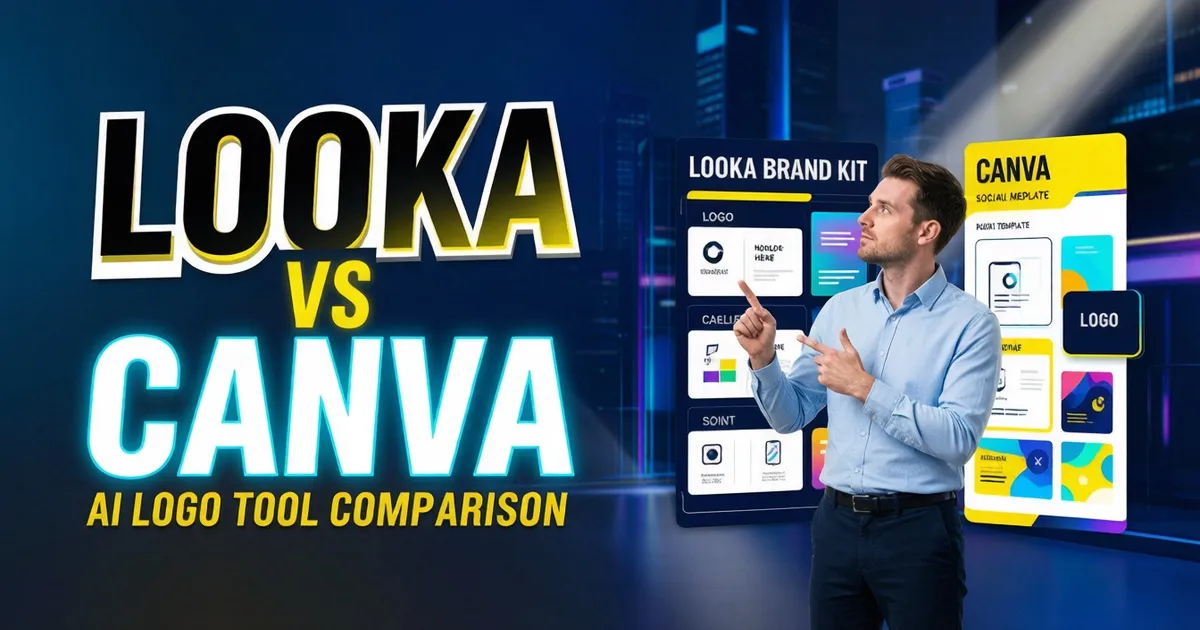
Looka and Canva Dream Lab are often compared, but they solve different problems. Looka’s core focus is its logo maker and Brand Kit; it functions like a brand identity guide for entrepreneurs. By selecting your industry, style preferences, colors, and symbols, it helps you quickly generate a logo and expand it into foundational brand assets. Canva Dream Lab, on the other hand, is an AI image generation feature within the Canva design ecosystem, better suited for creating visual elements for posters, social media, presentations, ads, and content assets.
If your primary task is "I need a formal logo and want a brand kit to go with it," prioritize Looka. If your primary task is "I already create a lot of content in Canva and want AI to help me generate assets, backgrounds, visual directions, and social media designs," prioritize Canva Dream Lab. It’s not a matter of one replacing the other, but rather a difference in workflow.
Differences in Workflow
Looka: Starting with Brand Identity
Looka’s typical workflow begins with choices regarding brand name, industry, style preferences, and colors, followed by the generation of logo candidates. It is perfect for entrepreneurs who don't know where to start, as the process narrows down options step-by-step. Once the logo is finalized, its Brand Kit can generate business cards, social media avatars, brand guidelines, invoices, and other essential assets.
This approach is stable, clear, and beginner-friendly. You don't need to understand prompt engineering or start from a blank canvas. The downside is that the creative boundaries are relatively fixed; if you want highly experimental visuals, complex illustrations, or large-scale cross-media content creation, Looka may not offer the level of freedom you need.
Canva Dream Lab: Starting with Content Scenarios
Canva Dream Lab is part of the broader Canva content production system. It generates image assets based on descriptions, which can then be integrated into Canva templates, social media posts, presentations, ads, and other designs. For logos, it is better suited for inspiration, background assets, style testing, or social media visual extensions, rather than as a complete replacement for a dedicated logo maker.
Canva’s strength lies in its ecosystem: team collaboration, templates, asset libraries, social media dimensions, presentations, and brand content are all in one place. If your team creates content daily, the value of Dream Lab isn't just generating a single mark, but integrating AI visual capabilities into your daily design workflow.
Comparison Table
| Dimension | Looka | Canva Dream Lab |
|---|---|---|
| Core Positioning | Logo & Brand Identity Generation | AI Image Generation & Design Assets in Canva |
| Beginner Friendliness | Very high, clear questionnaire process | High, but requires understanding of Canva templates |
| Logo Focus | Highly focused | More general-purpose creative assets |
| Brand Kit | Strong, built around the logo | Dependent on Canva’s brand tools and templates |
| Creative Freedom | Moderate, stability-first | Higher, suitable for visual exploration |
| Best For | Small businesses, entrepreneurs, personal brands | Content teams, social media teams, marketing teams |
This table summarizes the difference: Looka is like "helping you build your brand identity," while Canva Dream Lab is like "helping you continuously produce visual content." If you only need a logo, Looka’s path is shorter; if you need extensive marketing content after the logo, Canva’s ecosystem advantage is amplified.
Pricing: Don't Just Look for the Cheapest Option
Looka’s pricing logic is closer to a logo package and brand kit model. Their official pricing clearly distinguishes between a one-time logo package and an annual Brand Kit package, meaning you need to decide if you just need to download a logo or if you need ongoing access to brand assets. When buying just a logo, look at file formats, transparency, and SVG support; when buying a brand kit, consider whether you will actually use the social media templates, business cards, and website assets.
Canva’s cost should be viewed through the lens of your entire content team. If you already use Canva for daily design, the value of Dream Lab is amplified by social media templates, presentations, collaboration, and brand tools. Conversely, if you only want to buy a logo and rarely create other graphics, the long-term advantages of the Canva ecosystem may not translate into value for you.
Who Is It Not For?
Looka is not for those who view a logo as a complex illustration project. If you need high customization, unique typography design, professional path control, or designer-level refinement, Looka can provide a draft, but it may not be the final production tool.
Canva Dream Lab is not for those who intend to use AI-generated images directly as a final trademark. It is better suited for visual exploration and content assets. Logos require small-scale legibility, black-and-white versions, transparent backgrounds, SVG files, wordmark stability, and trademark risk checks—all of which require a specialized process.
Practical Selection Path
If you are an entrepreneur or a small business, using Looka to create your logo and brand foundation, and then using Canva for daily content, is a very practical combination. Looka solves the brand starting point, while Canva solves ongoing content needs.
If you are a content team that already has brand colors, fonts, and a template library, Canva Dream Lab is better suited as an asset generator. You can use it to explore cover images, event visuals, social media backgrounds, and ad assets, but for a formal logo, we still recommend using a specialized tool or having a designer review the work.
If you are a personal brand or creator, both can be used: Looka to establish your avatar, wordmark, and basic brand assets; Canva to create YouTube thumbnails, Instagram posts, course posters, and e-book covers.
Final Verdict
Looka wins on a shorter path, clear brand identity, and tight integration between logo and Brand Kit; Canva Dream Lab wins on its vast ecosystem, rich content scenarios, and flexible creative asset generation. To create "a formal logo," Looka is more direct; to "continuously produce content around a brand," Canva Dream Lab has more long-term value. The most stable approach is not to choose one over the other, but to use them in stages: use Looka to build your brand foundation, then use Canva to scale your daily content.