#1
Best Overall
Design.com
4.8
Largest template library (500k+) + conversational AI editing + free vector exports. Best for most users.
500k+ Templates
Free Vectors
Conversational AI

We've tested over 20 AI logo tools—from free options to professional-grade suites—to help you find the one that fits your needs perfectly.
After comprehensive testing and comparison, these three tools stand out across different categories.
Largest template library (500k+) + conversational AI editing + free vector exports. Best for most users.
380k+ designer-crafted templates with industry-leading mockups. Impeccable output quality.

100% completely free, no hidden fees, no watermarks. A zero-cost entry point for Shopify merchants.
In-depth reviews of 15 leading AI logo generators, ranked by performance scores.
Massive library, low price; perfect for quick logo creation.
Rich designer templates, ideal for premium brand aesthetics.
Native SVG output, perfect for professional design workflows.
Questionnaire-based generation with one-time purchase options.
Integrated into the Canva workflow; great for existing design teams.

Start with a free commercial logo, then scale with brand kits.

Superior text rendering, ideal for wordmarks and creative concepts.

AI-customized human templates; great for one-time full brand asset bundles.
Supports text, sketch, and image inputs; built for creators.

Strong typography and layout tools; ideal for POD and brand assets.

Focuses on design quality and buyout licensing for formal launches.

Extends from logo creation to registration, websites, and management tools.

One-time purchase for full file exports; mid-range budget friendly.
Multi-modal generation and mockup displays; great for new e-commerce brands.
Convenient for Adobe users to handle logos and social media design.
Head-to-head battles between top tools to help you decide.
Get recommendations tailored to your specific needs.
Whether you're a total beginner or have some experience, we have the right content for you.
For most users, Design.com is the best choice: it offers the largest template library, conversational AI editing, and free vector downloads. If you prefer a one-time purchase, Looka offers the best value. If you need native SVG files, choose Recraft V4.
For personal projects and side hustles in the early stages, free tools are usually sufficient. Design.com's free version even includes SVG vector downloads. Consider a paid version only if you need a full brand kit, commercial printing rights, or additional export formats.
Vector files can be scaled infinitely without losing quality, making them essential for business cards, packaging, signage, and billboards. PNG files pixelate when enlarged, so always keep an SVG or EPS file for professional branding.
If you don't plan on changing your logo for a long time, a one-time purchase is more cost-effective. If you plan to iterate frequently, manage multiple brands, or need ongoing access to a template library, a subscription is more flexible.
Explore how to leverage top-tier AI technology to quickly create professional-grade brand logos and effortlessly build a unique, eye-catching visual identity.
Want to use an AI logo generator but unsure if the free version supports transparent PNG exports? This article compares 10 AI logo tools across transparency capabilities, resolution, watermarks, and pricing to help you choose quickly, plus 4 free ways to get HD transparent PNGs.
· 33 min read
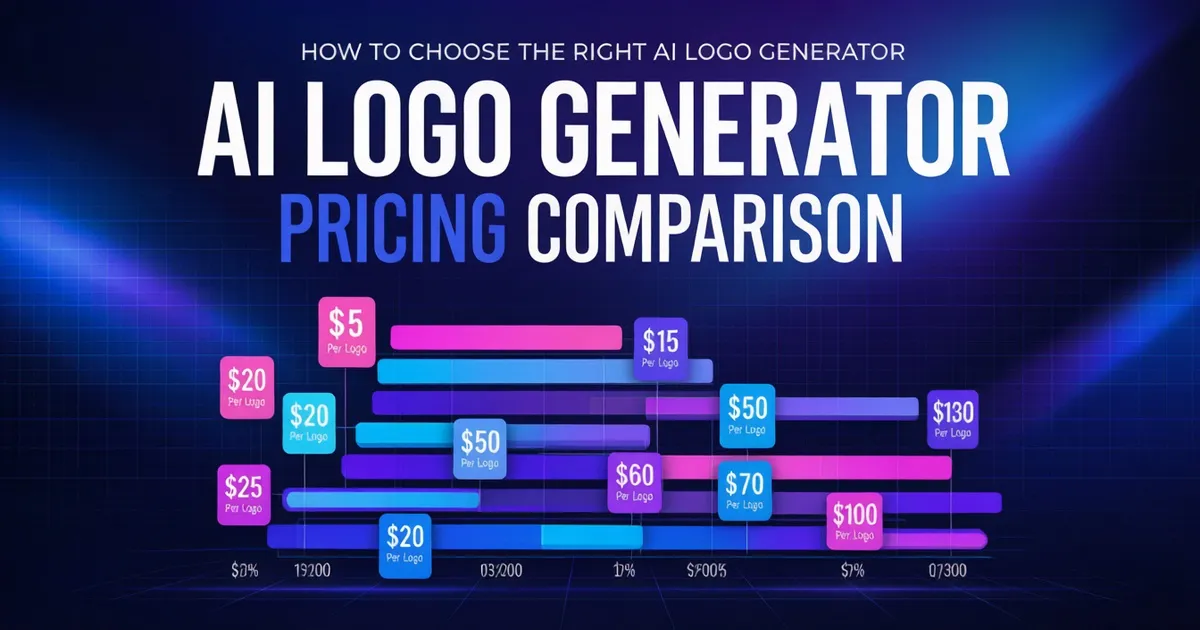
Wondering how much an AI Logo generator costs? This article compares the pricing plans of 10 mainstream tools, from free tiers to brand kits, breaking down one-time buyouts vs. long-term subscriptions to help you get a commercial-ready logo on the lowest budget.
· 49 min read
E-commerce logos are different from regular logos. They need to work seamlessly across a dozen scenarios—from Shopify storefronts and Amazon product pages to Taobao homepages, favicons, and social media avatars—while solving commercial licensing issues. This article compares 7 AI logo tools and includes a quick size reference sheet and a step-by-step practical workflow.
· 54 min read
Can an AI-generated logo be registered as a trademark? Trademark examiners don't care whether it was made by an AI; they only evaluate distinctiveness, similarity, and prohibitive clauses. This guide breaks down the three critical hurdles, official searches, class selection, registration timelines, and rejection handling into an actionable process entrepreneurs can follow from day one.
· 45 min read
Brandmark offers a one-time buyout, while LogoAI 2.0 uses a trial-plus-subscription model. This article skips the generic feature lists and breaks down the real numbers: how each charges, what you spend over a year, whether the cheapest tier includes vectors, if revisions cost extra, and how to verify commercial licensing once and for all.
· 47 min read
YouTube channel profile pictures display at just 98×98, while banners require a minimum of 2048×1152 with only a 1235×338 guaranteed visible area. Learn how to compose your layout based on platform cropping rules, use AI to generate your avatar and banner separately, and avoid the pitfalls of file size limits, formats, and free-tier licensing.
· 38 min read