

Review
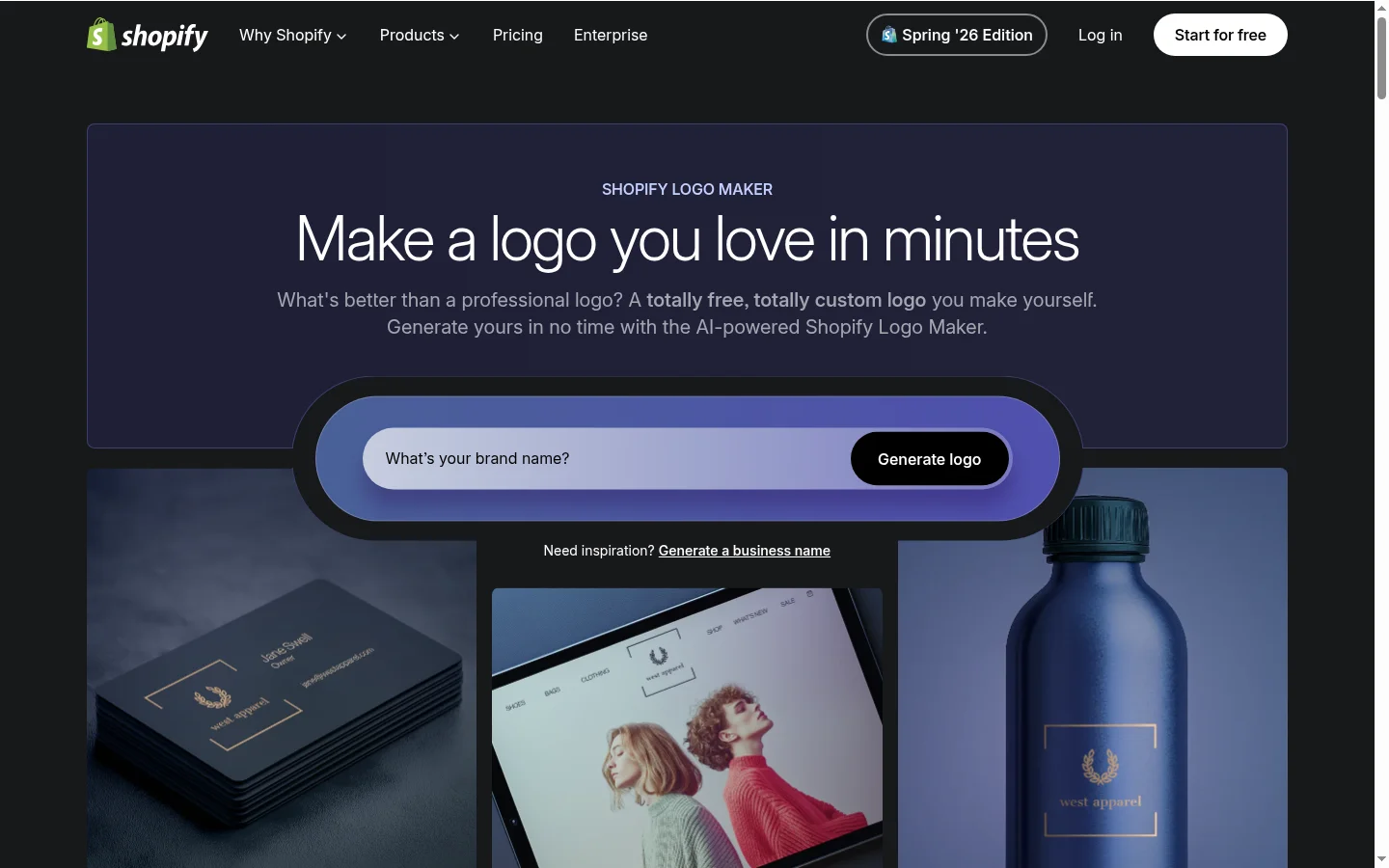
Powered by Shopify, Hatchful is the only truly 100% free mainstream AI logo generator—no paid tiers, no upsells, no watermarks, and no credit card required. In a market where "free" usually means "design for free, pay to download," Hatchful is the only option that is genuinely free from start to finish.
But is "free" enough? After comprehensive testing, our conclusion is: Hatchful is perfect for zero-budget beginners and Shopify merchants, but its limitations—PNG-only exports, limited customization, and a smaller template library—mean most users will eventually outgrow it and move to more powerful tools.
Hatchful Overview
| Feature | Details |
|---|---|
| Price | Completely free, no paid tiers |
| Tool Type | Questionnaire-based logo generator |
| Best For | Shopify merchants, zero-budget founders, side hustles |
| Template Library | Approx. 5,000+ (categorized by industry) |
| AI Generation | ✅ Questionnaire-based style matching |
| Free Version | ✅ Completely free—no watermarks, no upsells |
| Export Formats | PNG only (no vector formats) |
| Vector Export | ❌ Not supported on any tier |
| Commercial Rights | ✅ Included |
| Brand Kit | Includes social media asset pack |
| Mockups | Limited |
| Platform | Web-based |
Step-by-Step Tutorial: Creating a Logo in Hatchful
We tested Hatchful by creating logos for five different business types. Here is the process:
Step 1: Select Industry
Hatchful offers over 30 industry categories. These are Shopify-centric—you will see categories like:
- Apparel & Fashion
- Electronics & Digital Products
- Food & Drink
- Health & Beauty
- Home & Garden
- Pets & Animals
- Sports & Fitness
- Toys & Games
Your industry choice determines the available templates and icons, so choose carefully.
Step 2: Choose Visual Style
The system displays over 10 visual style examples; you need to select 2-3 that you like:
- Minimal / Vintage / Playful / Sophisticated
- Hand-drawn / Geometric / Bold / Elegant
- Nostalgic / Modern / Whimsical / Luxury
This is the same approach used by Looka in their questionnaire—helping the AI narrow down your requirements.
Step 3: Select Icon
Hatchful displays icon options relevant to your industry. If you are a coffee shop, you will see coffee cups, beans, and roasters. Each icon has multiple style variations that match the visual style you selected earlier.
Step 4: AI Generates Design Concepts
Based on your industry, style, and icon choices, Hatchful's AI generates 10-15 logo concepts. Unlike tools that generate dozens or hundreds of options, Hatchful keeps the selection manageable—you won't be overwhelmed by too many choices.
Step 5: Customization
Customization options are basic but functional:
- Colors—Choose from preset palettes or use custom hex codes
- Fonts—Limited selection of font pairings
- Layout—Adjust the positioning of the icon and text
- Background—Add or remove background shapes
Step 6: Free Download
No payment, no credit card, no trial period. Your logo will be downloaded as a high-resolution PNG file.
Total time from start to finish: approx. 5-10 minutes
Export Quality Assessment
| Format | Supported | Best Use | Quality Rating |
|---|---|---|---|
| PNG (High-Res) | ✅ | Web, social media, basic printing | Good—up to 2000px |
| PNG (Small) | ✅ | Avatars, favicons | Good |
| SVG | ❌ | Vector scaling | — |
| EPS/PDF | ❌ | Professional printing | — |
| Animated | ❌ | Video intros | — |
The lack of vector export is Hatchful's biggest limitation. If you need to print your logo on signage, packaging, merchandise, or large-format materials, you will have to recreate it in a vector-based tool or pay for a vector tracing service.
Hatchful vs. Competitors
Hatchful vs. Design.com
| Comparison | Hatchful | Design.com |
|---|---|---|
| Price | $0 ✅ | $0 (Free) or $3/mo Pro |
| Vector Export | ❌ PNG only | ✅ SVG, EPS, PDF |
| Template Library | Approx. 5,000 | 500,000+ ✅ |
| AI Editing | ❌ | ✅ Conversational AI |
| Commercial Rights | ✅ | ✅ |
| Output Quality | **** ✅ |
Summary: Hatchful wins on price ($0). Design.com wins in every other category (capacity, features, output quality).
Hatchful vs. Canva Free
| Comparison | Hatchful | Canva Free |
|---|---|---|
| Price | $0 | $0 ✅ (Tie) |
| Logo Focused | ✅ Dedicated tool | ⚠️ General design tool |
| Watermarks | ❌ None | ⚠️ PNGs have watermarks |
| Templates | ~5,000 logo templates | 250,000+ general templates |
| Vector Export | ❌ | ❌ (Pro only) |
Summary: For a quick, free logo (no watermarks), Hatchful is better. If you need ongoing design work beyond just a logo, Canva Free is more suitable.
Hatchful vs. Looka
| Comparison | Hatchful | Looka |
|---|---|---|
| Price | $0 ✅ | $20 one-time purchase |
| Vector Export | ❌ | ✅ SVG, EPS, PDF |
| Output Quality | **** ✅ | |
| Template Library | Approx. 5,000 | 10,000+ |
| One-time Purchase | N/A (Free) | ✅ $20 |
Summary: If your budget is truly zero, Hatchful wins. If you can spend $20, Looka offers significantly better value.
Real User Feedback
We aggregated reviews from the Shopify App Store, Reddit, and Trustpilot:
Positive Themes:
- "Free is unbeatable. I made a logo for my store in 10 minutes."—Shopify App Store
- "Perfect for testing logo ideas before investing in paid tools."—Reddit r/shopify
- "The social media asset pack is a very useful free bonus."—Verified User
Common Criticisms:
- "I wish it could export SVG files—I had to pay someone on Fiverr to recreate it in vector format."—Trustpilot
- "The logo looks good at first, but feels generic after a while."—Reddit r/Entrepreneur
- "Limited font and customization options."—Shopify App Store
Pros and Cons
Pros ✅
| Pro | Why it matters |
|---|---|
| 100% Free | No upsells, no subscriptions, no watermarks—truly free |
| Fast Creation | 5-10 minutes from start to download |
| Commercial Rights | Use your logo anywhere, including on products for sale |
| Social Media Kit | Includes profile images and covers for free |
| Shopify Integration | Designed specifically for e-commerce users |
| No Account Required | Start creating immediately |
Cons ❌
| Con | Explanation |
|---|---|
| PNG Only | No vector files—limits printing and scaling use cases |
| Small Library | ~5,000 vs Design.com's 500,000+ |
| Limited Customization | Colors and fonts only—cannot edit layout or icons |
| Shopify-leaning | Designs are e-commerce focused, less suitable for other industries |
| Generic Output | Logos look good but lack distinctiveness compared to paid tools |
| Infrequent Updates | Lower update frequency compared to subscription competitors |
Use Case Analysis
Scenario 1: Pre-revenue Shopify Store
Situation: You are launching a Shopify store with zero budget. Recommendation: Use Hatchful. It is free, natively supports Shopify, and provides a decent logo for launch. Once you start making sales, consider upgrading to Design.com Pro ($3/mo) for vector files and better design options.
Scenario 2: Side Hustle MVP
Situation: You are testing a business idea and need a temporary logo. Recommendation: Use Hatchful. The speed (5-10 mins) means you won't over-invest in branding for an unproven idea. If the project takes off, invest in a formal logo later.
Scenario 3: Professional Brand Launch
Situation: You are launching a serious brand and need a professional look. Recommendation: Skip Hatchful. Invest $20 in Looka (one-time) or $3/mo in Design.com. Vector exports, larger libraries, and better quality are well worth the small investment.
Who Should Use Hatchful?
✅ Recommended For
- Zero-budget founders—Entrepreneurs who aren't profitable yet and can't spend on branding
- Shopify store owners—Native Shopify integration is a real advantage
- Side hustles—Test logo ideas without financial commitment
- Students and non-profits—Organizations with limited budgets
- Quick temporary logos—Placeholders while developing a full brand identity
❌ Not Recommended For
- Anyone needing vector files—Hatchful does not support SVG, EPS, or PDF exports
- Professional brands—Output quality doesn't meet serious branding requirements
- Print production needs—Lack of vector exports makes packaging and signage difficult
- Design-conscious merchants—Generic output won't help you stand out
- Users wanting a one-time purchase—Consider Looka ($20) or Turbologo ($49)
Final Verdict
Hatchful earns this score for being truly, completely free—something almost no other AI logo generator can claim. For Shopify merchants, zero-budget founders, and those needing a decent temporary logo, it is an excellent starting point.
However, the limitations are real: PNG-only exports, a small template library, generic output, and limited customization. Most users who start with Hatchful will eventually need to upgrade to Design.com ($3/mo) for vector exports and better quality, or to Looka ($20 one-time) for a professional, one-off logo design.
Think of Hatchful as training wheels for your logo design—it gets you moving, but when you're ready to hit the road for real, you'll likely want to upgrade.
Hatchful vs. Free Versions of Paid Tools
An important comparison is how Hatchful performs against the free versions of subscription-based competitors:
| Comparison | Hatchful (100% Free) | Design.com Free | BrandCrowd Free |
|---|---|---|---|
| Download Fee | $0 | $0 | $0 |
| Vector Export | ❌ PNG only | ✅ SVG, EPS, PDF | ✅ SVG, EPS, PDF |
| Watermarks | ❌ None | ❌ None | ❌ None |
| Logo Focused | ✅ Yes | ✅ Yes | ✅ Yes |
| Available Templates | ~5,000 | ~350,000 | ~200,000 |
| AI Editing | ❌ | ✅ Conversational AI | ❌ |
| Best For | Truly zero-budget users | Zero-budget users needing vectors | Zero-budget users needing vectors |
Key Finding: For most users, Hatchful is not the best "free" option. The free version of Design.com offers vector exports and far more templates for the same $0 price. Hatchful's only advantage is its simplicity—it is built purely for logo design, requires no account registration to start, and has no upsells or paywalls.
Hatchful Alternatives to Consider
Before deciding on Hatchful, consider these alternatives based on your situation:
If your budget is exactly $0: Design.com Free offers free vector downloads (SVG, EPS, PDF) and no watermarks—at the same price, it is better than Hatchful in almost every way.
If you can spend $3-20: Looka ($20 one-time) provides vector files, a larger library, and higher quality. Design.com Pro ($3/mo) offers unlimited downloads and AI editing.
If you are launching a Shopify store: Hatchful's native Shopify templates and social media kits are genuinely useful. For Shopify merchants, this integration advantage is real.
If you need production-ready vector files: Skip Hatchful entirely. The lack of vector output limits your ability to print, scale, and produce professional materials.