

Review
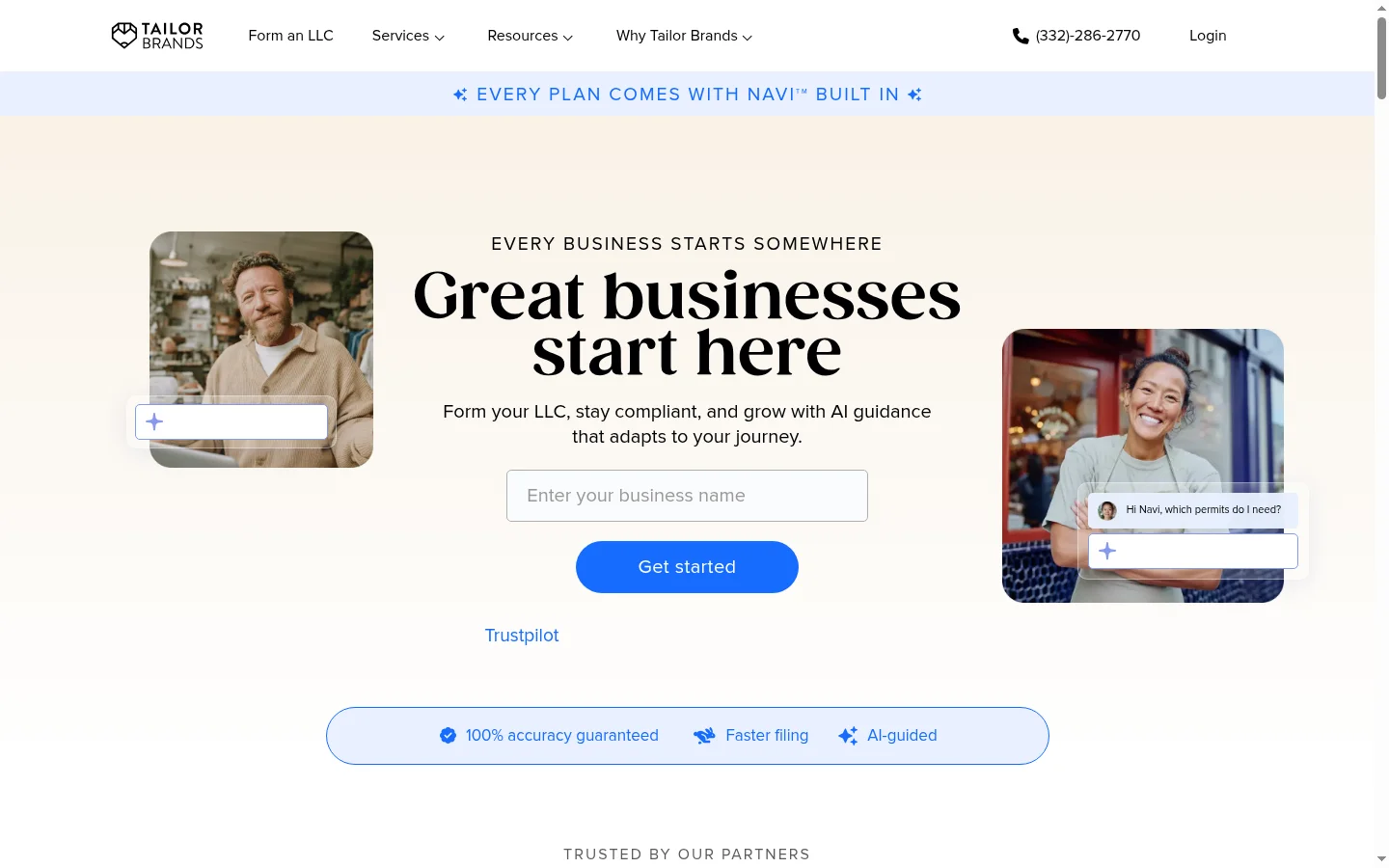
Tailor Brands positions itself as an all-in-one branding platform—it’s not just a logo generator, but a complete solution to help you build your brand identity, manage brand assets, and even build a website. It is an ambitious product that bundles logo design, brand assets, domain registration, and a website builder into a single subscription service.
But ambition doesn't always mean better. After testing the platform's logo creation, brand management, and overall value, here is our honest assessment of whether Tailor Brands delivers on its promises.
Tailor Brands Overview
| Feature | Details |
|---|---|
| Tool Type | AI Logo Generator + Brand Management + Website Builder |
| Best For | Entrepreneurs seeking an all-in-one hosted branding service |
| AI Approach | Questionnaire-based logo generation |
| Logo Templates | AI-generated (not a template library like BrandCrowd) |
| Starting Price | $10/month (Logo + Brand) |
| All-in-One Plan | $20/month (Logo + Brand + Website + Domain) |
| Export Formats | PNG, JPG, PDF, SVG |
| Brand Kit | Business cards, social media assets, letterheads, brand guidelines |
| Extra Features | Domain registration, website builder, logo resizer, business email |
| Free Version | ❌ None—paid plans only |
| Commercial Rights | ✅ Included |
| Platform | Web-based |
How to Use Tailor Brands
Tailor Brands uses a questionnaire-based approach similar to Looka, but with a broader output scope:
- Enter your business name—The AI considers your industry and brand name.
- Choose your style—Select from visual style examples (minimalist, vintage, fun, etc.).
- Select icons—Pick from AI-recommended industry-relevant icons.
- AI generates logos—Generates multiple options based on your combined inputs.
- Customize and download—Adjust colors, fonts, layout, and positioning.
- Optional: Build your brand—Business cards, social media assets, letterheads.
- Optional: Add a website—Drag-and-drop builder that automatically applies your brand design.
The process is smooth and the results are reasonable. While the AI-generated logos look professional at first glance, they lack the refinement and uniqueness of templates from Design.com or BrandCrowd.
Logo Quality Assessment
We tested Tailor Brands by creating logos for five different types of businesses:
| Business Type | Result | Quality Rating | Notes |
|---|---|---|---|
| Tech Startup | Decent but lacks character | Clean and professional, but not memorable | |
| Coffee Shop | Good | Nice icon selection, warm tones | |
| Law Firm | Below Average | Too generic—hard to distinguish from other industries | |
| Fitness Brand | Good | Dynamic icons, high energy | |
| Beauty Salon | Average | Elegant but conservative; could be more unique |
Overall Quality Rating: . The logos look professional in a general sense—they don't look amateurish—but they struggle to help you stand out in a competitive market. Design.com (), BrandCrowd (), and Looka () all generate more distinctive and impressive results.
What's Included—Bundled Plans
What makes Tailor Brands unique among logo tools is its bundling approach:
| Feature | Logo + Brand ($10/mo) | Logo + Brand + Website ($20/mo) |
|---|---|---|
| AI Logo Creation | ✅ | ✅ |
| Vector Export (SVG) | ✅ | ✅ |
| Business Cards | ✅ | ✅ |
| Social Media Assets | ✅ | ✅ |
| Brand Guidelines | ✅ | ✅ |
| Logo Resizer | ✅ | ✅ |
| Mockup Previews | ✅ | ✅ |
| Domain | ❌ | ✅ (Free 1st year) |
| Website Builder | ❌ | ✅ |
| Business Email | ❌ | ✅ |
Website Builder—A Deep Dive
The built-in website builder is decent but quite basic:
- Drag-and-drop interface
- Pre-made templates that match your brand colors
- Responsive mobile design
- Basic e-commerce functionality
- Includes SEO settings
It competes with Wix and Squarespace but lacks their power. It is sufficient for simple 3-5 page business websites. For more complex sites, you will need a dedicated website builder.
Pricing Breakdown
| Plan | Price | Monthly (Billed Annually) | Annual Cost | Best For |
|---|---|---|---|---|
| Logo + Brand | $10/mo | ~ $8.33/mo | ~ $100/yr | Logo + Brand Identity |
| Logo + Brand + Website | $20/mo | ~ $16.67/mo | ~ $200/yr | Full Brand + Website |
Value Assessment
Value depends entirely on how you use the platform:
Logo Only: Low value. $120/year vs. $36/year at Design.com or a $20 one-time fee at Looka.
Brand Management: Reasonable. Comparable to Canva Pro ($18/month) but with more brand-specific tools (logo resizer, brand guideline generator).
All-Inclusive (Brand + Website): Actually quite cost-effective. $240/year for a logo + brand assets + website + domain + business email is cheaper than buying them separately (Wix ~$100/yr + domain $15/yr + email $50/yr).
Tailor Brands vs. Competitors
| Factor | Tailor Brands | Design.com | Looka |
|---|---|---|---|
| Starting Price | $10/mo | $3/mo ✅ | $20 One-time ✅ |
| Annual Cost | $120 | $36 | $20 (One-time) |
| Logo Quality | **** ✅ | ||
| Free Version | ❌ | ✅ Vector Download | ❌ |
| AI Editing | ❌ | ✅ Conversational | ❌ |
| Website Builder | ✅ Included | ❌ | ❌ |
| Brand Management | ✅ Full | ✅ Good | ✅ Basic |
| Best For | Complete Brand Platform | Best Logo Value | Budget One-time Option |
Real User Feedback
Positive Reviews (from G2, Trustpilot, Reddit):
- "Great for getting a complete brand identity without a designer or switching between multiple tools"—G2 Review
- "The website builder is a nice bonus—saved me the trouble of learning Squarespace"—Trustpilot
- "The logo resizer is unexpectedly useful—instantly generates sizes for every platform"—Reddit r/smallbusiness
- "The brand guidelines document is a thoughtful touch for maintaining consistency"—Verified User
Common Criticisms:
- "Logos feel a bit templated and lack character—nothing unique"—Multiple reviews
- "Wish there was a free version to try before paying"—G2
- "Canceling the subscription is more of a hassle than expected—requires contacting support via email"—Trustpilot
- "The website builder is too basic for anything beyond simple landing pages"—Reddit r/webdev
Pros and Cons
Pros ✅
| Advantage | Why It Matters |
|---|---|
| All-in-One Platform | Centralized management of logos, cards, social media, and websites |
| AI Questionnaire | Reasonable guided logo creation process |
| Built-in Website Builder | Saves on separate website subscription costs |
| Domain Registration | Free domain for the first year with website plans |
| Auto-generated Brand Guidelines | Automatically records color codes, fonts, and usage rules |
| Logo Resizer | Generates sizes for every platform (Weibo, WeChat, LinkedIn, Instagram, etc.) |
Cons ❌
| Disadvantage | Context |
|---|---|
| High Cost for Logo Only | Starts at $10/mo vs. $3/mo at Design.com |
| Generic Logo Output | Less distinctive than Design.com or BrandCrowd |
| No Free Version | Cannot download for free—must pay to try |
| No AI Editing | Cannot modify designs using natural language |
| Cancellation Friction | Some users report difficulty canceling |
| Basic Website Builder | Competes with Wix/Squarespace but lacks depth |
Who Should Use Tailor Brands?
✅ Recommended for
- New Solopreneurs—Get a logo, brand assets, website, and domain in one go.
- Non-Technical Founders—Hosted branding without needing to switch between multiple tools and subscriptions.
- Users Seeking Hosted Brand Identity—Not just a logo, but a complete brand system.
- Users Willing to Pay for Convenience—The bundled plan saves significant setup time.
❌ Not Recommended for
- Logo-Only Users—Too expensive for just a logo; Design.com ($3/mo) or Looka ($20 one-time) are better.
- Startups on a Tight Budget—Design.com or Looka offer better value for logo design.
- Design-Focused Brands—Output quality lags behind Design.com, BrandCrowd, and Looka.
- Users Preferring One-Time Payments—Tailor Brands has no one-time purchase option.
- Users Needing Custom Websites—The builder is too basic for complex sites.
Final Verdict
Tailor Brands is a decent branding platform that includes logo creation, but it isn't the best at any single thing—it's not the best logo, the best brand kit, or the best website builder. It trades "best-in-class" performance for convenience and bundled services.
Choose Tailor Brands if you: Are starting a business from scratch and want one platform to handle your logo + brand assets + website + domain. The all-in-one convenience justifies the higher price compared to managing 3-4 separate subscriptions.
Skip Tailor Brands if you: Only need a logo. Using Design.com for $3/month gets you better quality, conversational AI editing, and a free version. Using Looka for a $20 one-time fee gets you a professional logo without ongoing payments.
Best Alternative: Design.com ($3/month) for logo + brand kit + Canva Free for social media graphics. This gives you better quality and lower costs, though it requires using two tools instead of one.
Tailor Brands vs. DIY Tool Combinations
The key question for Tailor Brands is: Is the all-in-one bundle cheaper than assembling your own tool stack? Let's compare:
Tailor Brands All-in-One Plan ($20/mo = $240/year) Includes: Logo + Brand Kit + Website Builder + Domain (1st year) + Business Email
DIY Tool Stack
- Logo + Brand Kit: Design.com Pro ($3/mo) or Looka ($20 one-time)
- Website Builder: Carrd ($19/year) or Wix ($16/mo)
- Domain: $12/year
- Business Email: Zoho Mail ($12/year) or Google Workspace ($72/year)
- DIY Annual Cost: $55-252/year
| Component | Tailor Brands All-in-One | DIY (Budget) | DIY (Premium) |
|---|---|---|---|
| Logo + Brand Kit | ✅ Included | Design.com Pro ($36/yr) | Looka ($20 one-time) |
| Website Builder | ✅ Included | Carrd ($19/yr) | Wix ($192/yr) |
| Domain (1st yr) | ✅ Included | GoDaddy ($12/yr) | Namecheap ($12/yr) |
| Business Email | ✅ Included | Zoho Mail ($12/yr) | Google Workspace ($72/yr) |
| Total (Year 1) | $240 | $79 | $296 |
| Total (Years 1-3) | $720 | $195 | $392 |
Conclusion: The budget DIY stack (Design.com + Carrd + Domain + Zoho) costs only $79 in the first year, compared to $240 for Tailor Brands. The premium DIY stack (Looka one-time + Wix + Domain + Google Workspace) costs $296 in the first year and $204 annually thereafter.
Tailor Brands is only cost-effective when compared to premium DIY stacks, and only if you value the convenience of a single bill and single sign-on management. For budget-conscious users, assembling tools separately is much cheaper.
Tailor Brands Detailed Feature Scorecard
| Feature | Rating | Notes |
|---|---|---|
| Logo Creation | Decent but generic output | |
| Logo Customization | Sufficient but not extensive | |
| Brand Kit Completeness | Business cards, social media, letterheads, guidelines | |
| Website Builder | Basic—only for simple sites | |
| Domain Management | Standard domain registration service | |
| Business Email | Basic but functional | |
| Ease of Use | Good for non-technical users | |
| Logo Value | Too expensive for logo only | |
| All-in-One Value | Reasonable if all features are used | |
| Customer Support | Mixed reviews—reports of cancellation difficulty | |
| Overall | **** | Jack of all trades, master of none |